Nike 设置技巧(JP)
本指南基于近期用户实战经验整理,按任务设置流程说明如何绕过 Nike 的过滤机制并提高成功率。
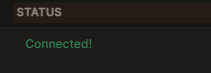
首先,请确认 IMAP 已连接正常。
准备好账号与代理。最近推荐使用:
Discord 社区(资源获取)
该社区提供高质量的老号与代理资源。准备完成后即可开始任务配置。
Profiles(配置文件)
第一步是创建模板,请按照以下指南操作:
TSB Profiles 配置指南
此步骤非常重要,可以减少账号与 profile 被过滤的概率并提升成功率。
模板创建完成后,选择全部并点击 “Generate Profiles”。
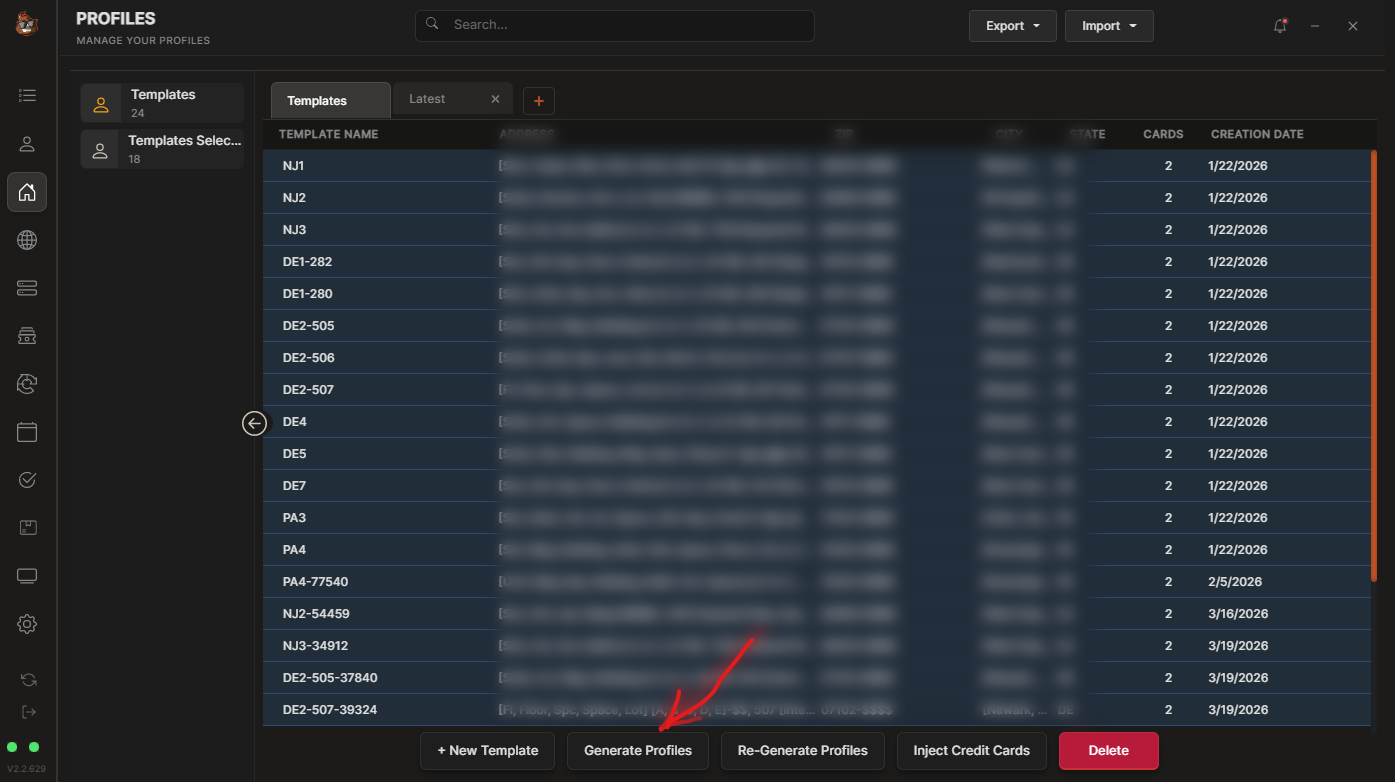
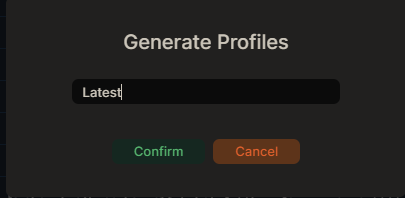
生成后,将 profiles 添加到 profile 组中(后续会在 Accounts 中使用)。
例如:可以放入名为 latest 的组。
Accounts 设置
添加账号后,设置 Mode。
强烈推荐使用 SNKRS App 模式,这是执行大规模任务最流畅的模式。
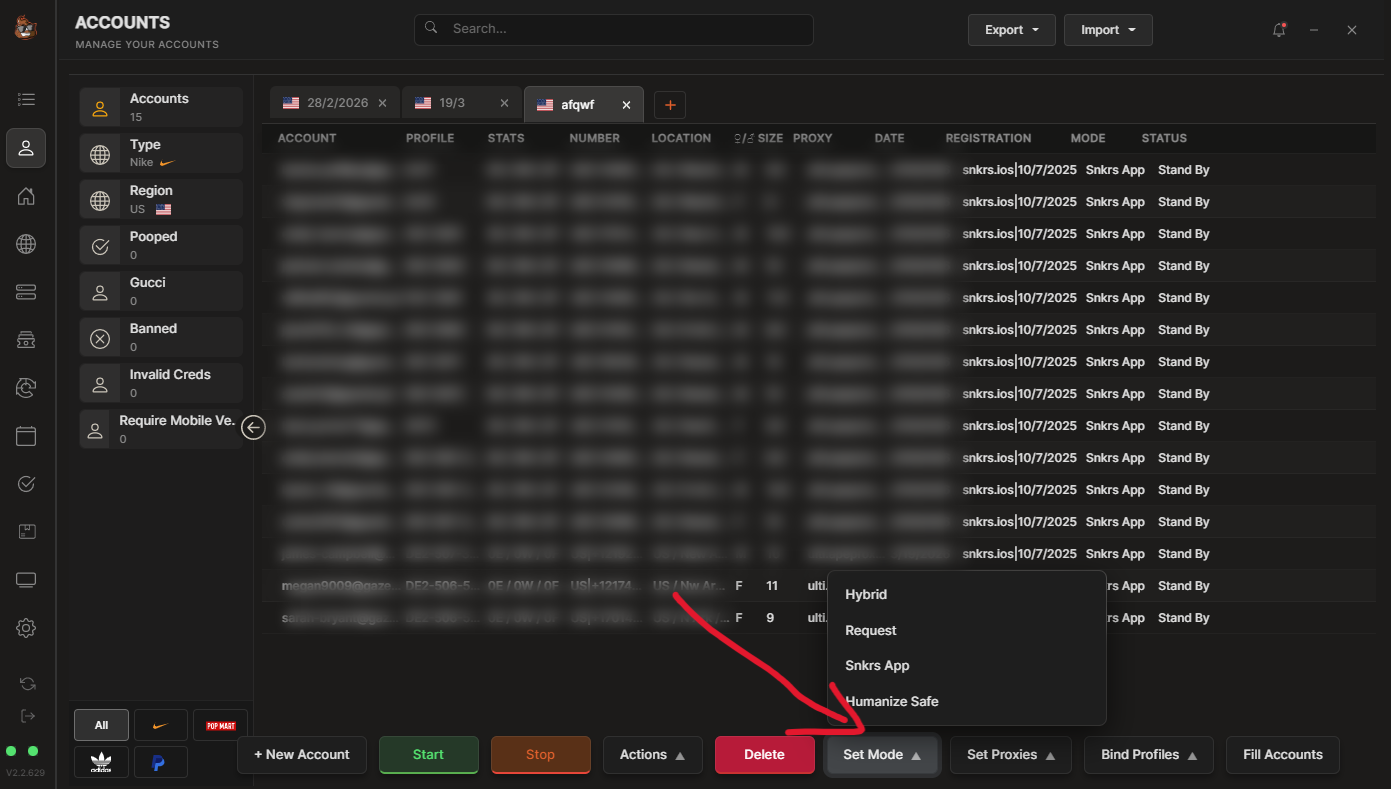
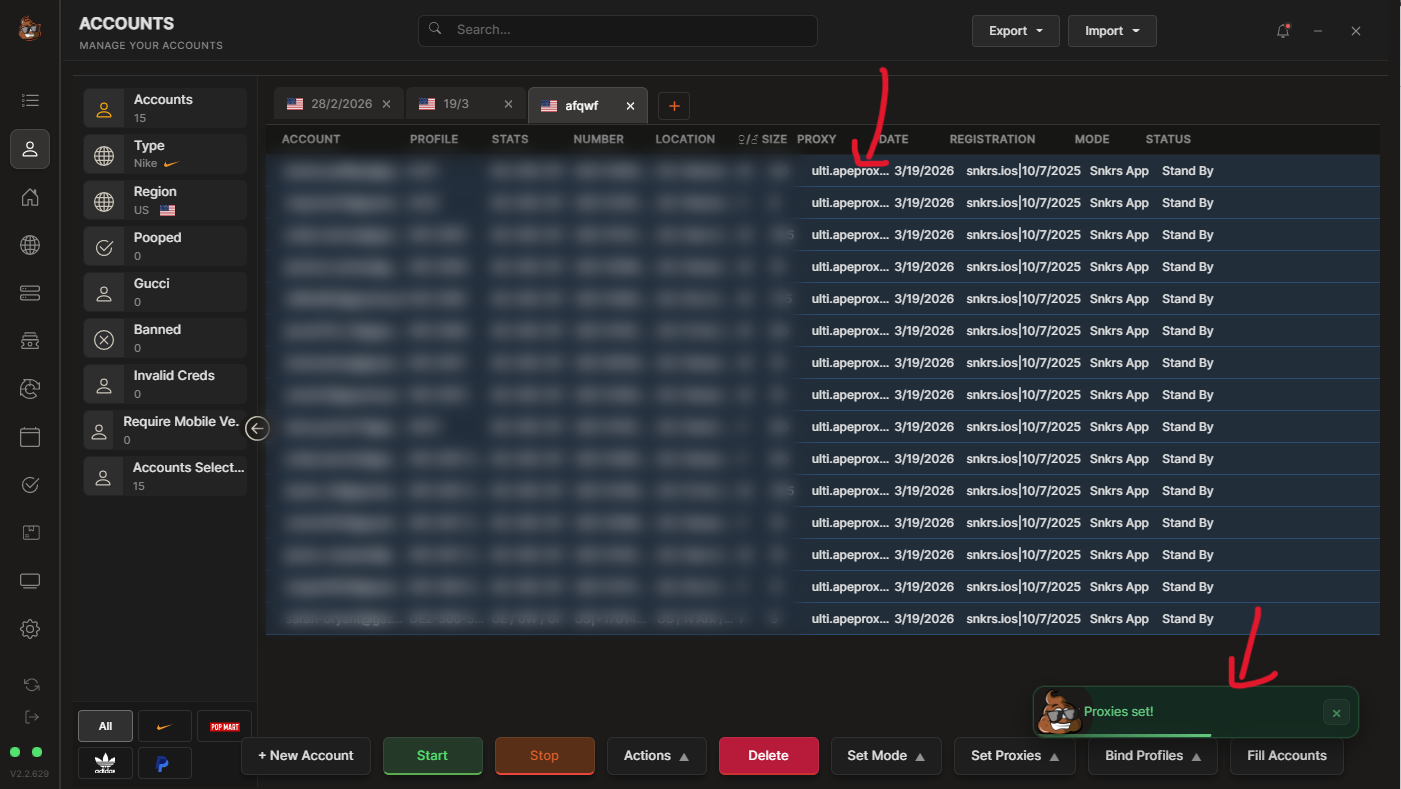
接下来分配代理:
每个 profile 使用 1 个 proxy。
系统会自动分配,并可在设置后查看绑定情况。
Bind Profiles(绑定 Profile)
点击 “Bind Profiles”,选择之前创建的 profile 组。
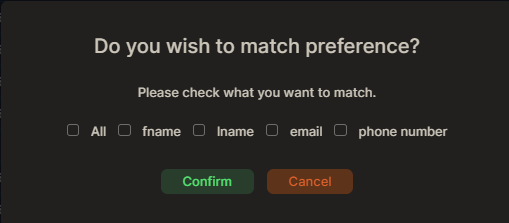
绑定后,profile 会自动关联到账号。
请务必使用前面创建的 profile 组。
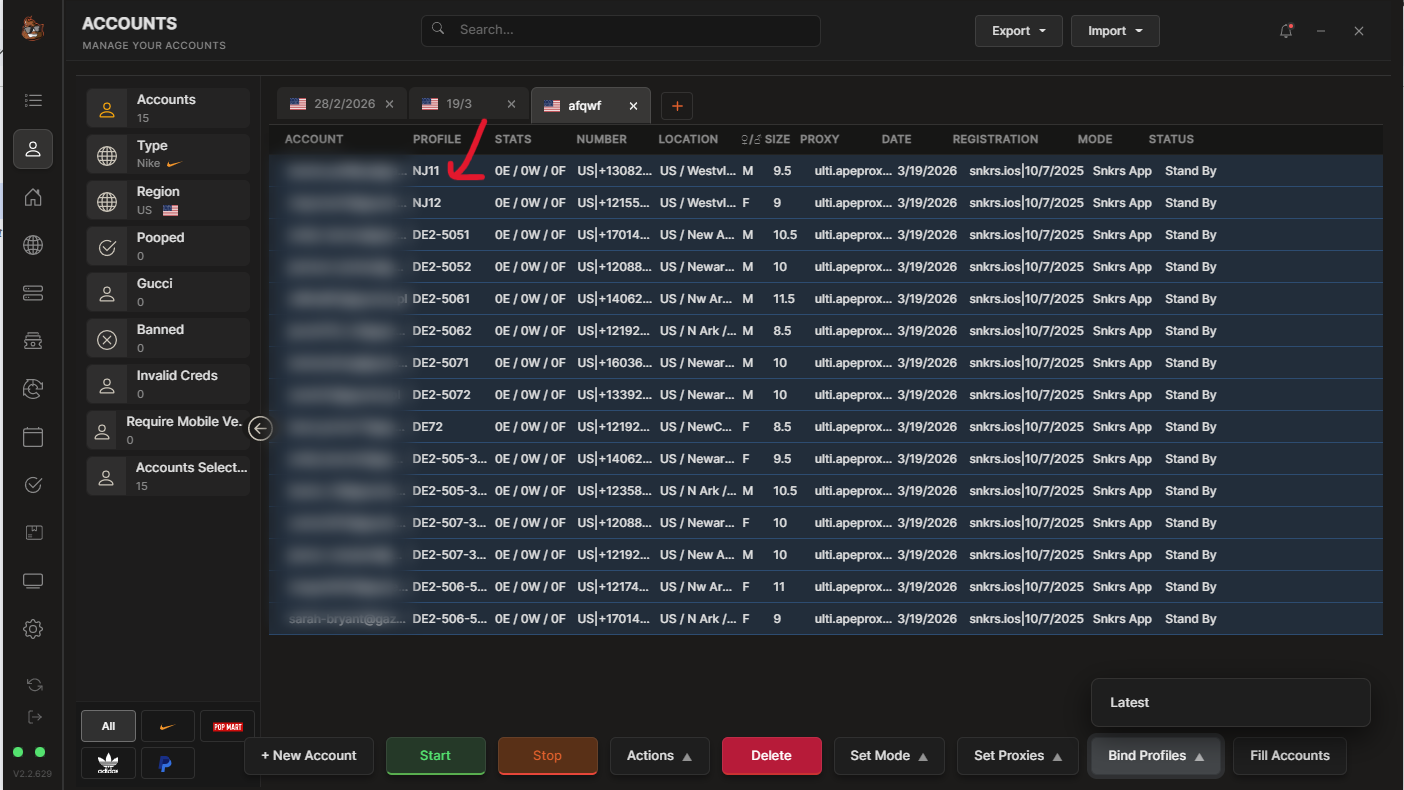
完成绑定后,进行 Fill 操作。
当所有状态显示正常(gucci)后,即表示准备完成,可以执行任务。
⚠️ 建议在 drop 前几小时完成 gucci 状态准备。
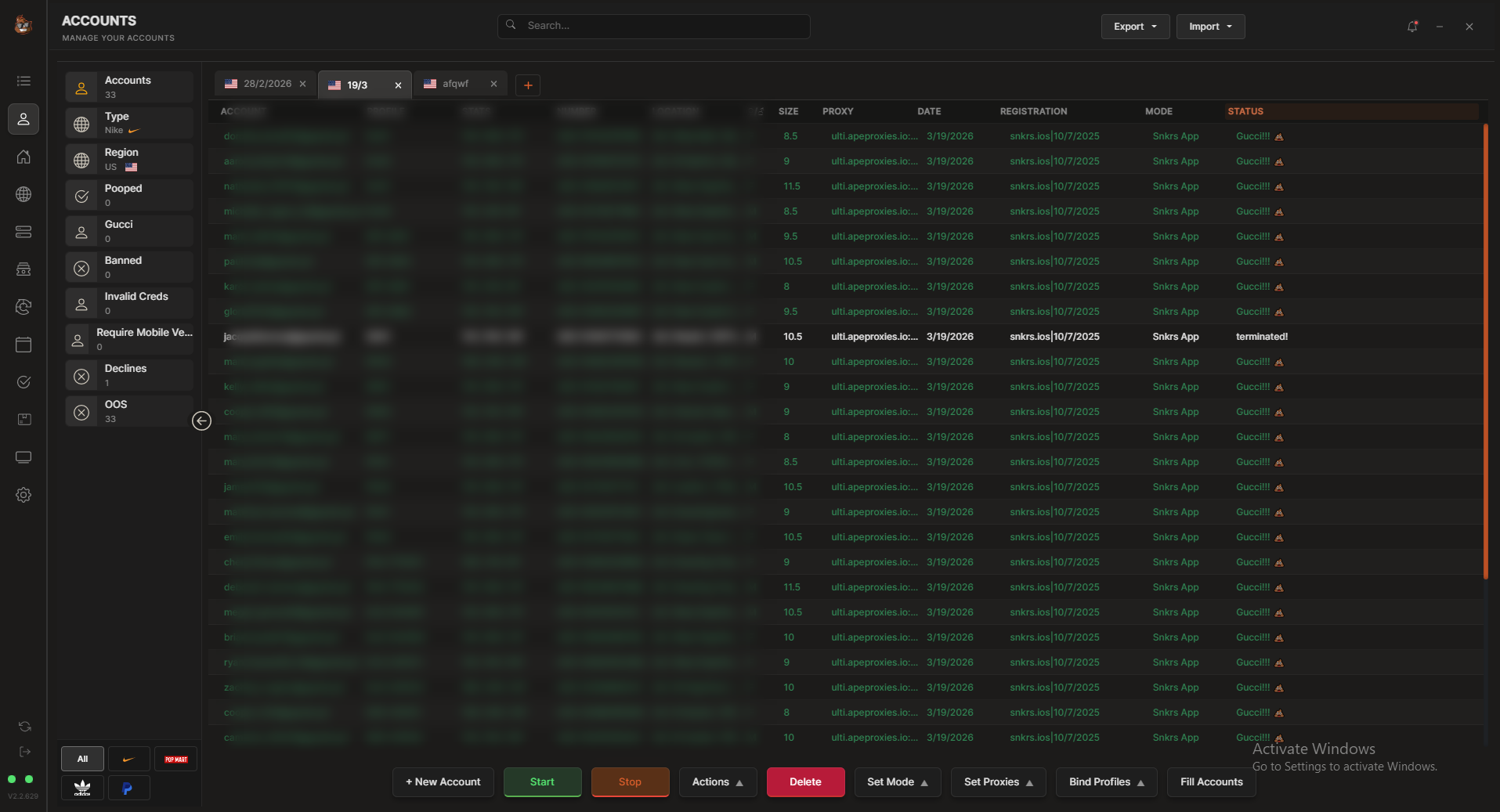
※ 建议在发售前几个小时将账号设置为 gucci
Tasks 设置
创建新的 Nike 组。
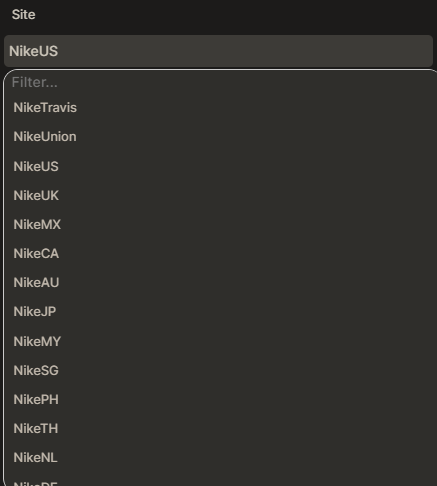
示例商品:
Nike 商品页面
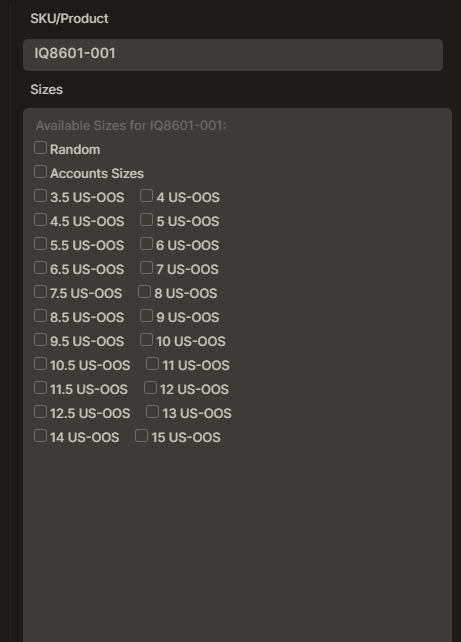
SKU:
IQ8601-001
首先设置:
- Site:NikeJP
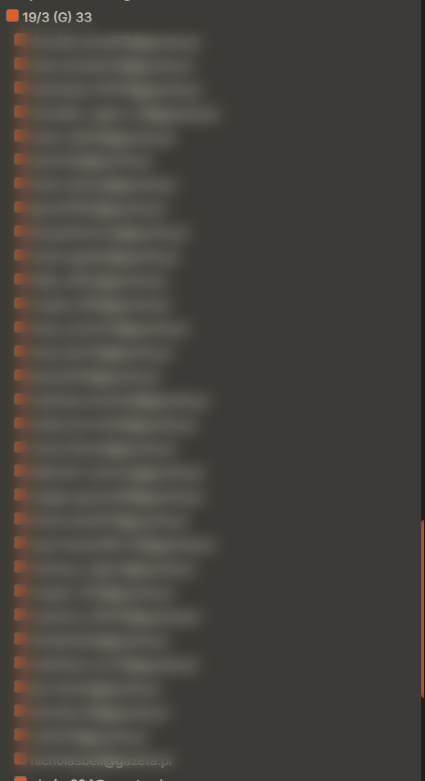
- 选择已绑定 profile 的账号
- 输入 SKU:IQ8601-001
- 选择尺码(通常由 cook group 提供推荐)
- Channel:SNKRS
其他设置可自由调整:
- FLOW / Restock / In-stock 可启用 Guest Mode
→ 不使用 Nike 账号,进行连续结账请求
启动任务
全部设置完成后启动任务。
建议在 drop 前 20–30 分钟启动任务。
如果出现错误,请更换代理。
确认任务进入 sleep 状态后,即可等待系统自动运行。
Table of Contents
Cop the next drop with The Shit BotNike SNKRS, Pokémon Center, Pop Mart and more. Instant license delivery and 24/7 support.★★★★★ Rated Excellent on Trustpilot, 4.7 out of 5
Get TSB