
1. Pairing Your Phone with TSB
- Hover over Settings on your desktop.
- On the top-left, find TSB Mobile and make sure it’s enabled and showing Connected.
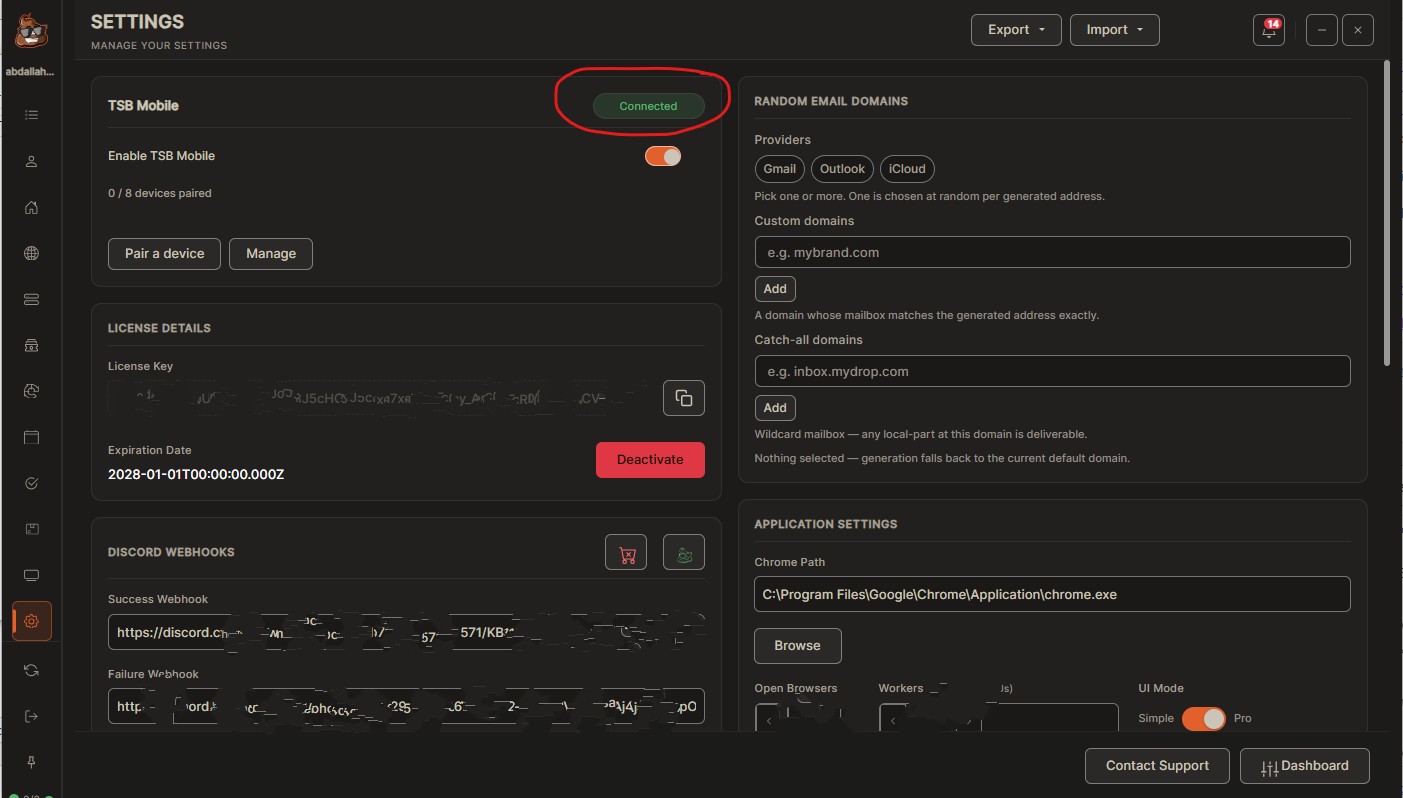
- Click Pair a Device.
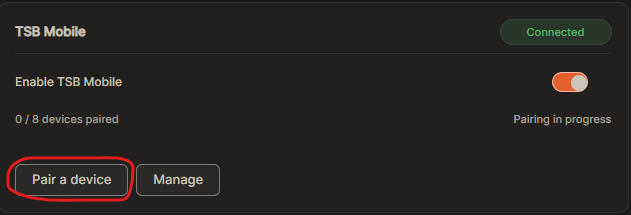
- Scan the QR code using your phone’s camera.
- From your phone, select Use Scanned Desktop Link.
- Back on your desktop, make sure Device Access is set to Control.
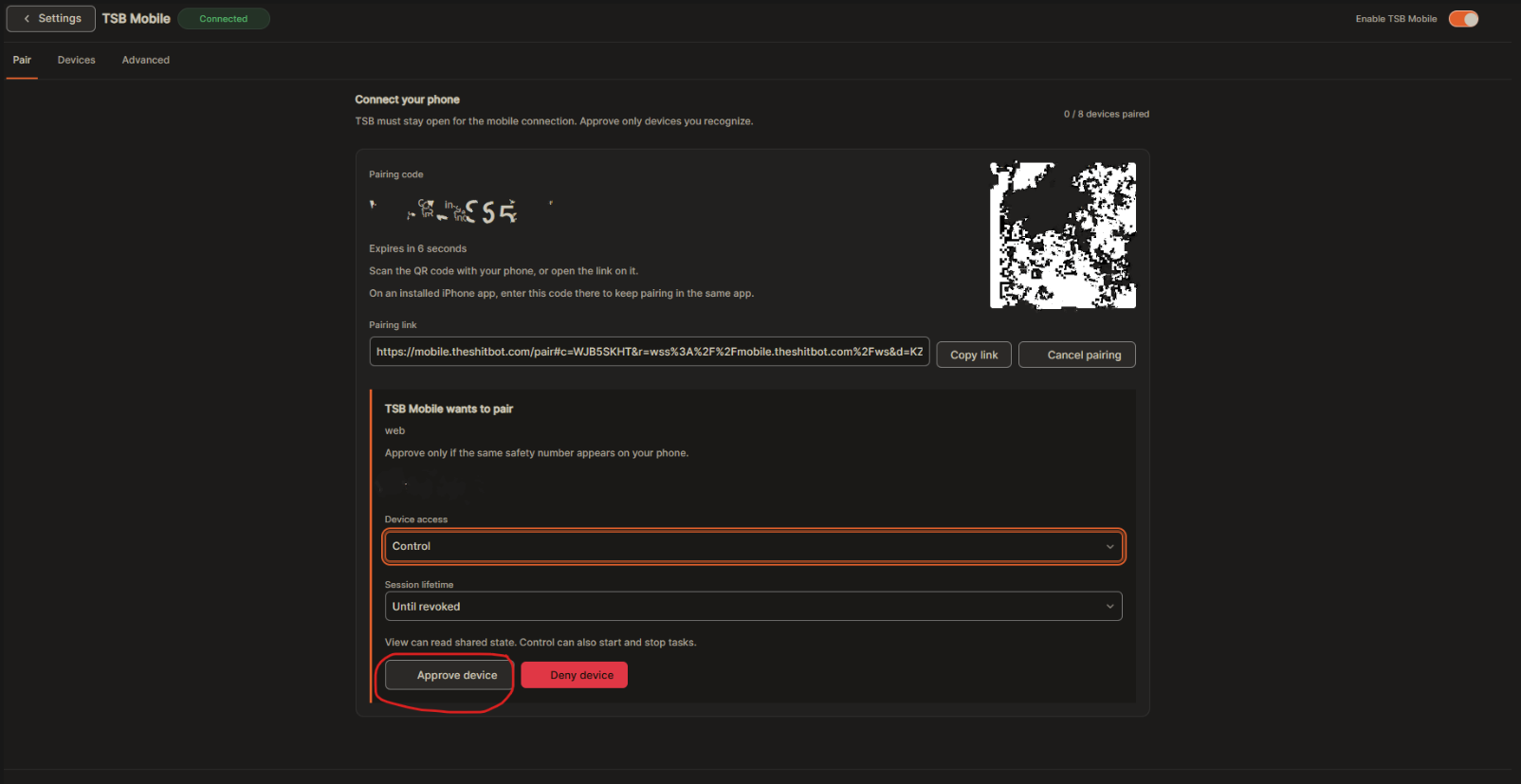
- Click Approve Device.
- Your phone is now connected and ready to control your TSB setup, nothing complicated, create your tasks just as you normally would on desktop.
Cop the next drop with The Shit BotNike SNKRS, Pokémon Center, Pop Mart and more. Instant license delivery and 24/7 support.★★★★★ Rated Excellent on Trustpilot, 4.7 out of 5
Get TSB